How to Fix Unable to Verify App on iPhone
If your iPhone says Unable to Verify App, start by checking your internet connection. If the error sticks around, check whether iOS trusts the developer and whether the certificate used to sign the app is still valid.
Follow the steps below to identify and fix the issue.
1. Check Your Internet Connection
Connect to Wi-Fi or turn on mobile data, then try opening the app again. iOS needs an internet connection for some verification checks.
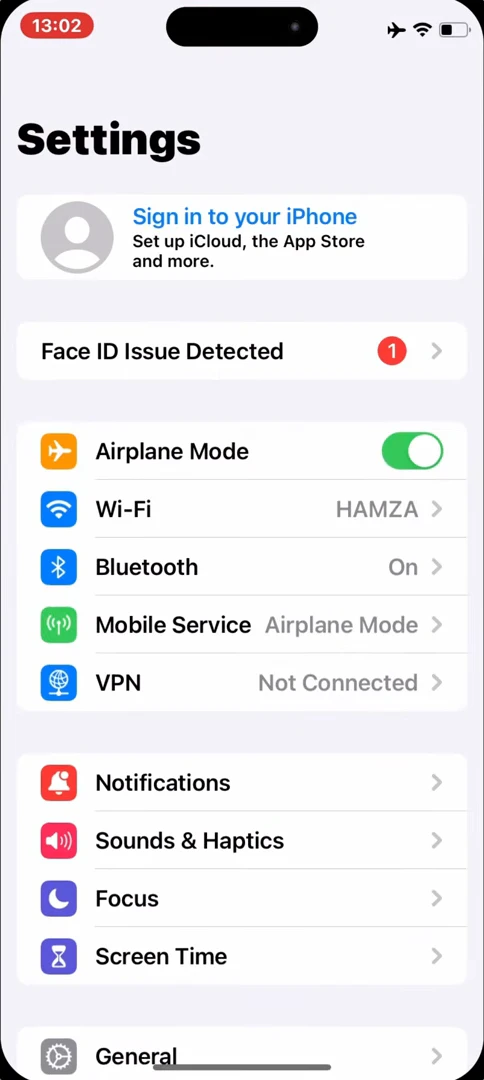
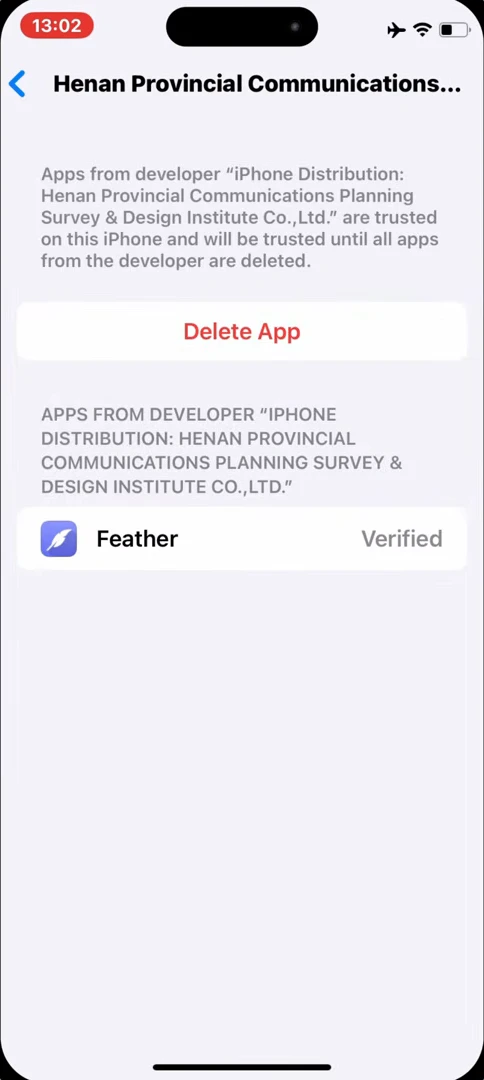
2. Check the Developer Profile
Go to Settings > General > VPN & Device Management and look for the developer listed for the app. If you see a trust or verification prompt, follow it only if you recognize and trust the developer.
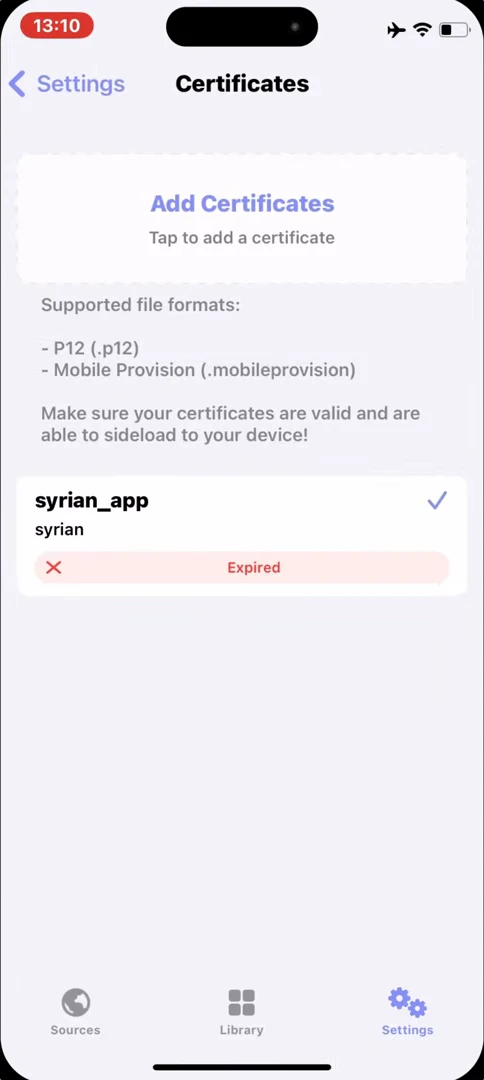
3. Check the Signing Certificate
Open the certificate list in your signing tool. If the certificate you used has expired or been revoked, you’ll need a valid replacement to sign the IPA again. Restarting your iPhone won’t make an expired certificate valid.
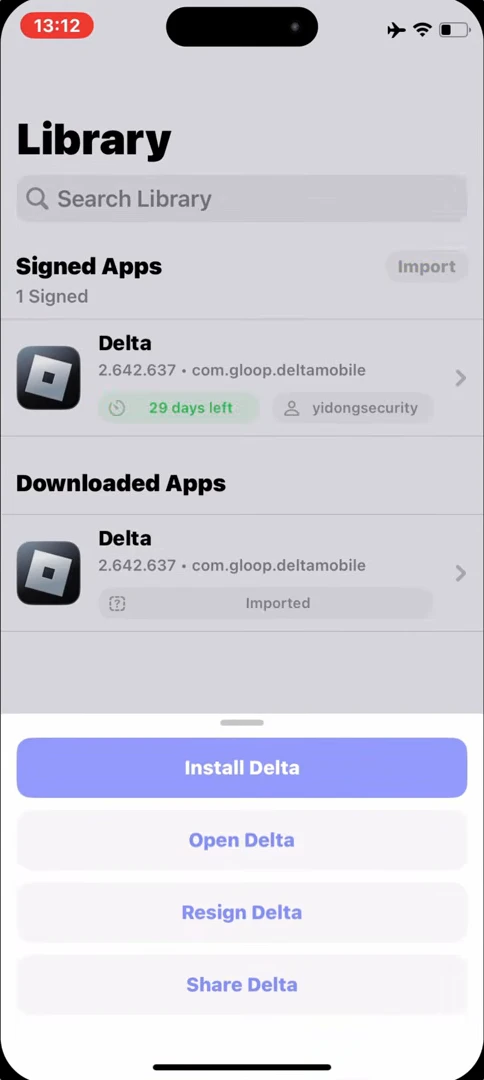
4. Reinstall the IPA with a Valid Certificate
Back up any important app data before removing the old install. Download the IPA again if you need a fresh copy, then sign it with a valid certificate in ESign, KSign, or Feather and install the signed copy.
5. Check Your iOS Compatibility
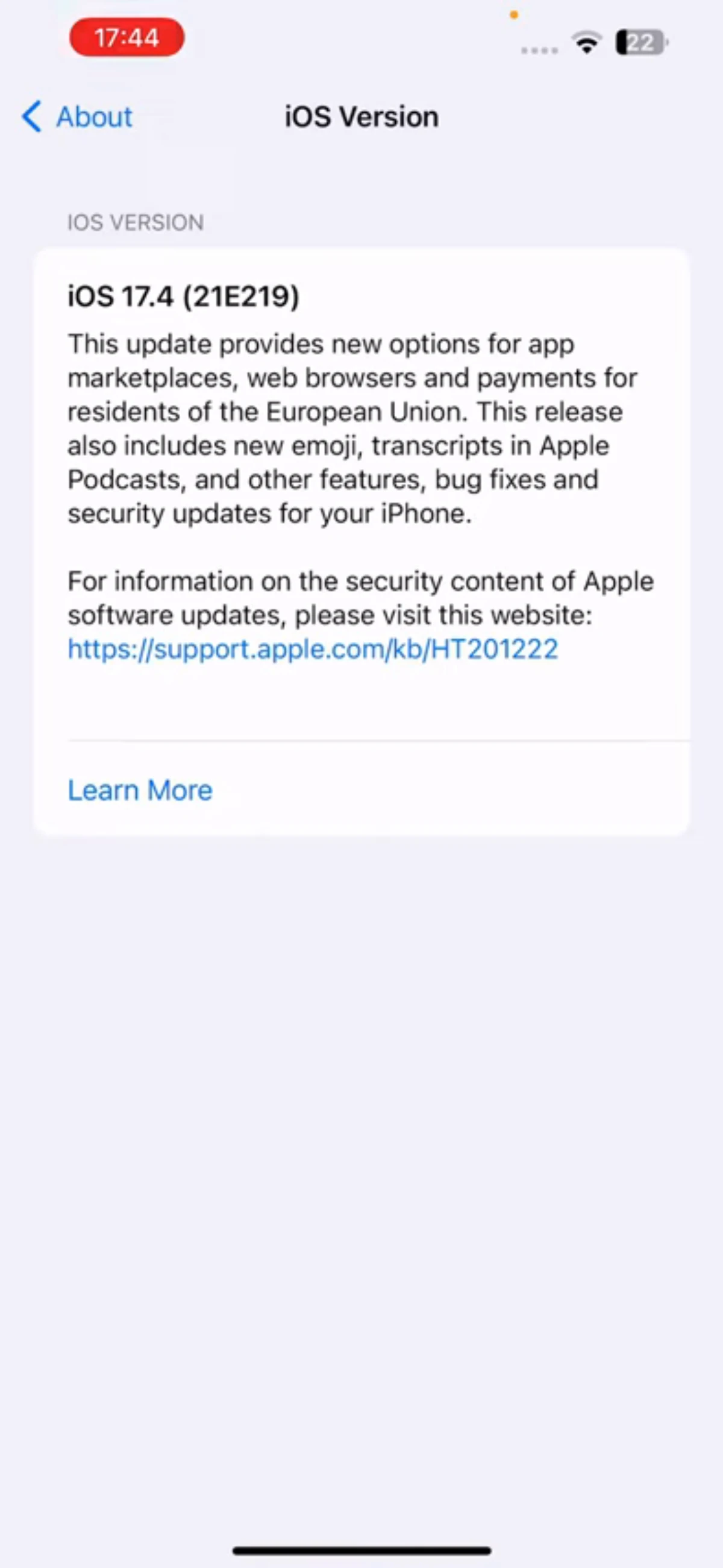
Find your iOS version under Settings > General > About. Compare it and your iPhone model with the app’s requirements. An app built for a different device or iOS version might fail to install or open.
Still Unable to Verify the App?
Read the exact error message and check how you installed the app. If the certificate was revoked, use a valid replacement before you reinstall.